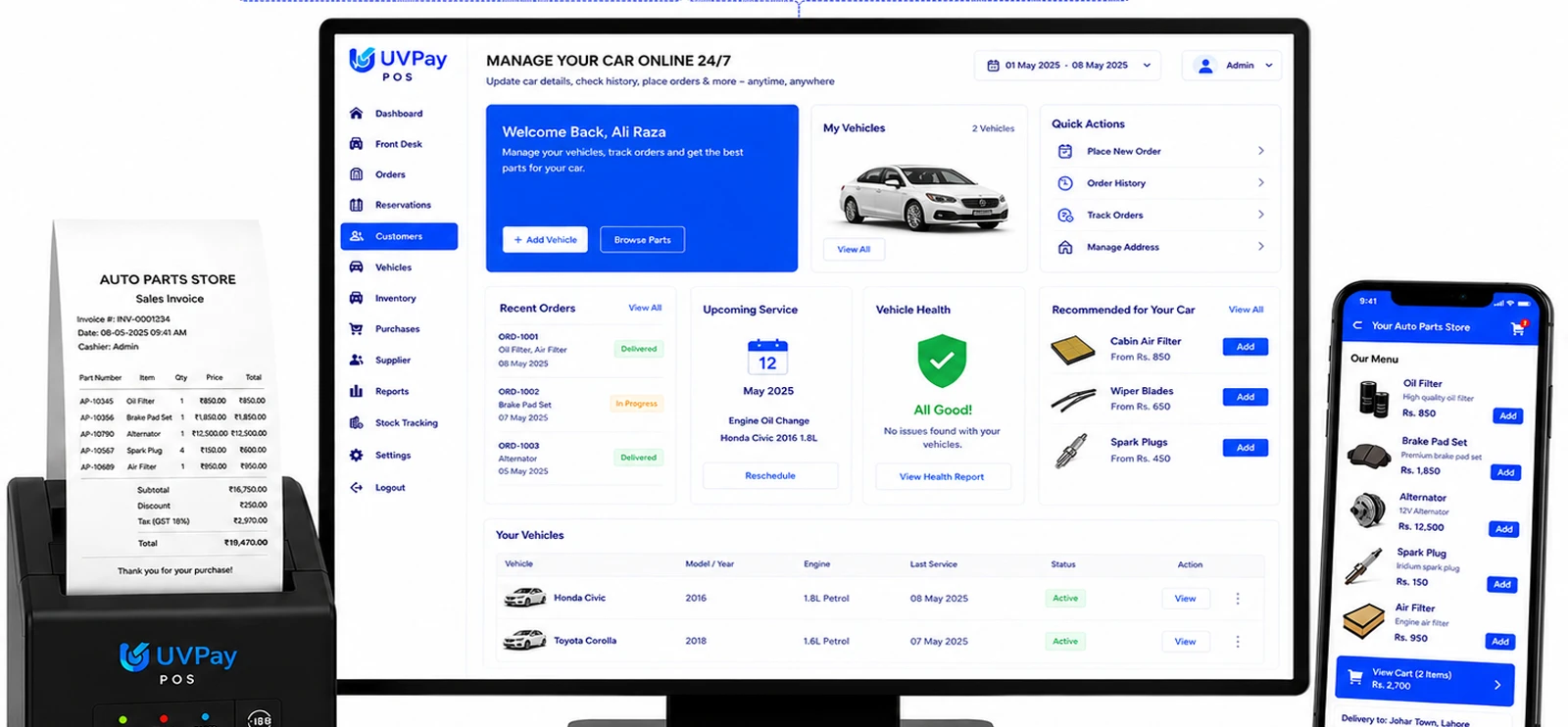
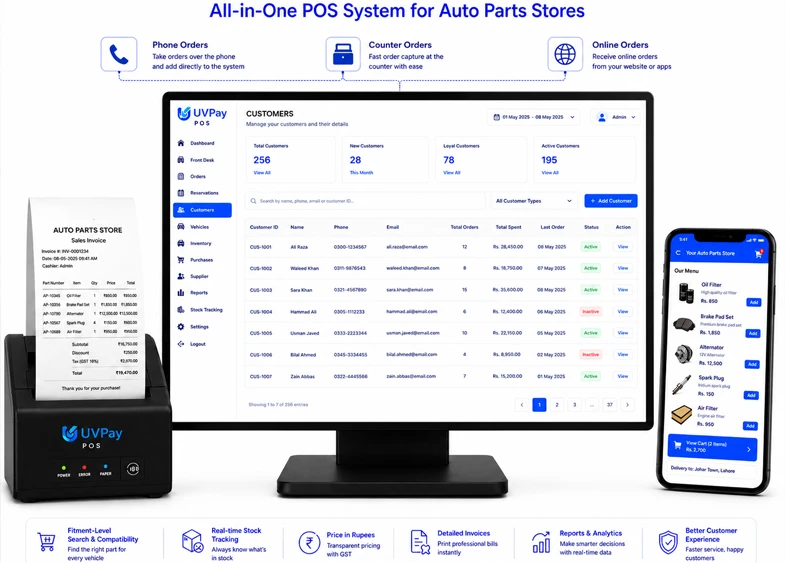
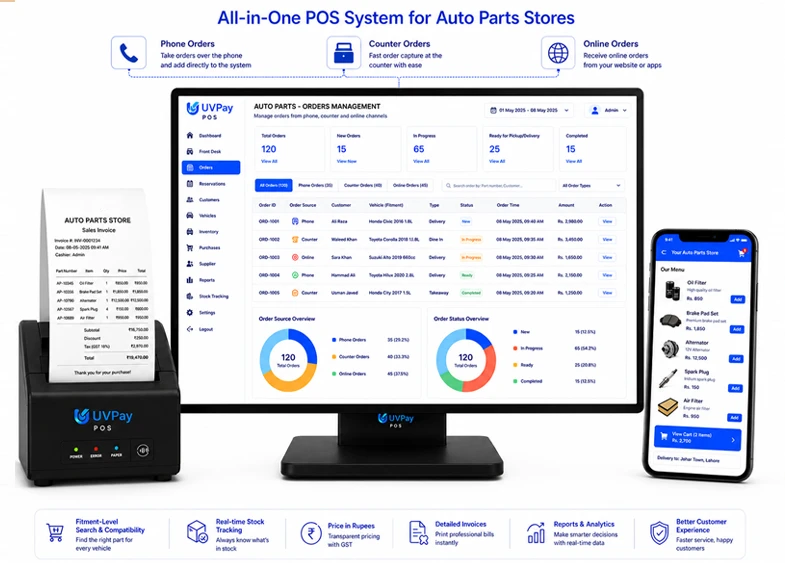
Auto Parts Store Inventory Management Software for Accurate Stock
An auto parts store's inventory is defined by fitment — the same-looking part can fit one vehicle
model and not another, and a wrong match means a returned sale or an unhappy mechanic. UVPAY's
inventory management software tracks every part by make, model, and part number, updates stock
the moment a sale happens, and helps you avoid costly mismatches at checkout.
Between parts for different makes and models, part numbers that look similar but aren't
interchangeable, and stock that ranges from small components to bulky assemblies, an auto parts
store's inventory needs more precision than a general count. UVPAY organizes your catalog by
part number, make, and model compatibility, tracks stock in real time as items sell, and gives
you a clear view of which parts are moving fastest — so your next order matches real demand.
"We built UVPAY for auto parts retailers because we know a wrong part number costs more than
a sale — it costs a customer's trust in your shop. Every feature here is designed to keep
your inventory accurate down to the exact fitment."
Every stock movement — a sale, a return, an exchange, a branch transfer — is logged
automatically, giving you an accurate, auditable record across your entire inventory. Role-based
staff access means only authorized team members can adjust stock counts or approve returns,
keeping your records reliable.
How Auto Parts Store Works
-
 Set Up Your Catalog by Part Number & Fitment
-
Track Stock as You Sell
-
Manage Fitment-Specific Stock
-
Reorder Before You Run Out
-
Review What's Selling
-
Part number and fitment-level stock tracking
-
Make and model compatibility organization
-
Low-stock and reorder alerts by part number
-
Multi-branch inventory visibility and stock transfers
-
Supplier and purchase order management
Your product, pricing, and supplier data is stored securely in the cloud with automatic backup,
so a damaged till or a lost device never means losing track of your inventory. Encrypted data
handling keeps your store's stock and sales information protected, no matter how many branches
you're managing.
More Asked Question
Yes. UVPAY organizes your catalog by part number and fitment, so you can confirm
compatibility before a sale is made.
Yes. Since each part is tracked individually with fitment details, staff can
quickly confirm the correct part for a specific make and model.
Yes. UVPAY lets you view stock per branch or combined, and transfer inventory
between stores with a full record of each movement.
Pricing depends on your number of branches, SKUs, and features needed. Book a
free demo and we'll recommend the right plan for your store.